
 EU
EU
 UK
UK
 US
US
 CA
CA

Assembly Instruction

EB5 Roamer

EB5 Roamer ST

X-Hunter

X-Hunter | 2nd Version

EB7 2.0
EB7 ST

RetroVolt

YR20

Hunter Pro

Thunder

RetroVolt Pro

X-Hunter ST

Thunder Pro
User Guide
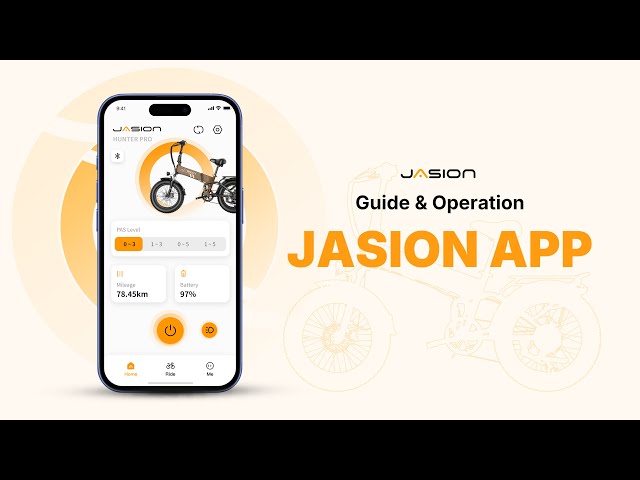
Jasion App Quick Start Guide
The Jasion App is a powerful tool that puts the full capabilities of your Jasion ebike right at your fingertips. It offers a seamless and intuitive way to customize your ride, record your progress, and stay connected with the Jasion community. Let's take a closer look at what the app offers.

JasionBike® X-Hunter: Speed limit Hack Guide
In this video, we address the issue of customers unable to reach 30 miles per hour. Jasionbike has released a tutorial video to resolve this. Here are the steps: 1.Press and hold the “+” and “–” buttons simultaneously to enter the settings menu. 2. Press the “+” button to navigate to P07. 3. Press the “i” button to enter adjustment mode for this setting. 4. Use the “+” button to increase the speed limit value to 63 km/h. 5. Press the “i” button again to confirm your setting. 6. Press and hold “+” and “–” simultaneously to exit the settings menu.

X-Hunter Adjusting PAS from PAS3 to PAS5
Here is a solution to address the issue raised by a customer regarding the PAS (Pedal Assist System) having only 3 levels.
Here are the steps:
1- Access the settings page on the display. (To access this page, press and hold both the up and down keys for 3 seconds.)
2- Press the M key to navigate to page P05. Check if the number below shows as 1. If it displays as 0, press the up key to change it to 1. A value of 0 corresponds to 3 levels, while a value of 1 corresponds to 5 levels.
*PAS refers to the Pedal Assist System.


