
 EU
EU
 UK
UK
 US
US
 CA
CA



Groceries, work gear and weekend supplies are easier to carry when each item has a sensible place on the bike. A balanced Kago setup takes less time to pack, feels more composed on the road and makes unloading at each stop straightforward.
This guide explains how to set up the Jasion Kago cargo ebike for everyday carrying. It focuses on load planning and riding habits rather than assembly. For component installation, battery instructions and fastener checks, follow the current Kago manual available from the Jasion user manual page.
Start With a Cargo Plan, Not an Empty Basket
Choose baskets and bags around the trips you make most often. Groceries benefit from a structured container, work equipment may need a closed removable bag, and soft luggage suits clothing or picnic supplies.
Kago's extended rear rack provides the main carrying platform, while compatible front and rear baskets can keep smaller items organized. The current Jasion accessories collection shows the available options for building out the bike.
When the setup is ready, the load should stay contained, leave the controls and lights clear, and allow the bike to steer normally:
- Can the load be contained without items falling through or shifting?
- Can it be secured without straps reaching the wheels, brakes or chain?
- Can the lights and turn signals remain visible?
- Can the rider get on, steer and stop without the cargo getting in the way?
Built for Bigger Everyday Loads
Kago supports up to 350 lb across the rider, fitted accessories and cargo. That capacity gives the bike room for a substantial grocery shop, work equipment or a full set of day-trip gear. For an unusually heavy bag or box, a luggage scale offers a quick way to estimate its contribution to the total.
Pack Heavy Items Low and Close to the Bike
Weight location changes handling. A heavy object placed high or far behind the rear wheel has more leverage when the bike leans. Keeping dense items low and closer to the bike's center makes the load easier to manage at walking speed and through turns.
- Place dense items first. Drinks, tools and canned goods should sit at the bottom of a basket or bag.
- Keep left and right sides close in weight. If one side is much heavier, the bike may lean as soon as it comes off the stand.
- Fill gaps with lighter items. A jacket or towel can stop smaller objects from moving without adding much weight.
- Secure the load to the carrier. Each bag or box should remain in place on its own.
- Tuck away every strap end. Keep webbing and hooks clear of the spokes, brake rotors and drivetrain.
A front basket works well for lighter items that need to stay within view. Dense items are better on the main carrying platform, where they have less influence on steering.
Three Everyday Kago Cargo Setups
1. Groceries and household supplies
Use a basket or structured bag to stop individual items from escaping. Put bottles, cans and other dense goods at the bottom and toward the center. Keep bread, fruit and eggs above them. If you divide the shop between two side bags, adjust the contents until the sides feel reasonably even.
Cold items are easier to unload when they travel together in an insulated bag. Cleaning products should remain upright and separate from unpackaged food. A final look from behind the bike will show whether a bag is bulging toward the wheel or covering the rear lighting.
2. Work gear and package runs
A removable closed bag works well for a laptop, uniform or small tools. Add padding where hard equipment could strike the rack. Boxes should have a flat base and enough tie-down points to prevent sliding forward under braking or shifting sideways in a turn.
Keep the stack below the rider's rear sightline and clear of clothing when dismounting. For several deliveries, arrange the load in stop order so the first package is accessible without loosening everything else.
3. Picnic, sports and weekend gear
Soft bags are useful for clothing, blankets and other bulky but light items. Compress them before securing them so the straps stay snug as the contents settle. Support longer objects at more than one point and keep the rider's pedaling space clear.
If your usual trips need more room than a compact setup can provide, compare the carrying formats in our guide to compact and full-size cargo ebikes.
Take One Minute to Check the Loaded Bike
Load on level ground and hold the bike steady as weight is added to either side. Once everything is packed, a short walk-around covers the essentials:
- Push and pull the cargo in several directions. It should not slide, lift or rotate.
- Turn the handlebar fully left and right. Nothing should pull a cable or restrict steering.
- Spin each wheel enough to confirm that bags and straps cannot touch it.
- Squeeze both brake levers and check for a consistent feel.
- Confirm that the headlight, brake light and turn signals are visible.
- Check tire condition and pressure using the value specified for the tire and current load.
- Make sure both batteries are locked in place and show enough charge for the route.
Walk the bike a short distance after the check. If it leans noticeably to one side, shifting one or two items is usually enough to restore the balance.
Adjust Your Riding for the Extra Weight
With extra weight aboard, starts feel more deliberate and the bike benefits from a little more room to slow and turn. A few small adjustments keep the ride smooth.
Start in a low assist level
Select an easier mechanical gear before setting off and begin with modest assistance. Apply power progressively while the handlebar is straight. A quiet parking area is a better place to learn the loaded feel than a busy intersection.
Brake earlier
More total mass takes more distance to slow. Leave additional space, use both brakes smoothly and finish most of the braking before a turn. If the load shifts or a strap becomes loose, stop somewhere safe and correct it instead of trying to adjust it while moving.
Give turns more room
Enter turns at a controlled speed and steer smoothly. A tall load has more influence on lean, while a long item changes the space the bike needs. A few practice turns make the new setup feel familiar.
Plan every stop
Shift into an easier gear while still moving so the next start is manageable. Choose level parking when possible, hold the bike firmly while deploying the stand and unload one side carefully. A sudden side-to-side weight change can tip a stationary bike.
Plan Battery Use Around the Load and Route
Kago uses two removable 52V 20Ah batteries and offers up to 120 miles of listed range. Actual distance varies with rider and cargo weight, hills, stops, temperature, tire pressure, speed, assist level and throttle use.
For a new route, plan conservatively and note the battery level at a known distance. After several similar trips, your own results will be more useful than a laboratory maximum. Carrying less unnecessary weight, maintaining tire pressure and using an efficient mechanical gear can also reduce energy use.
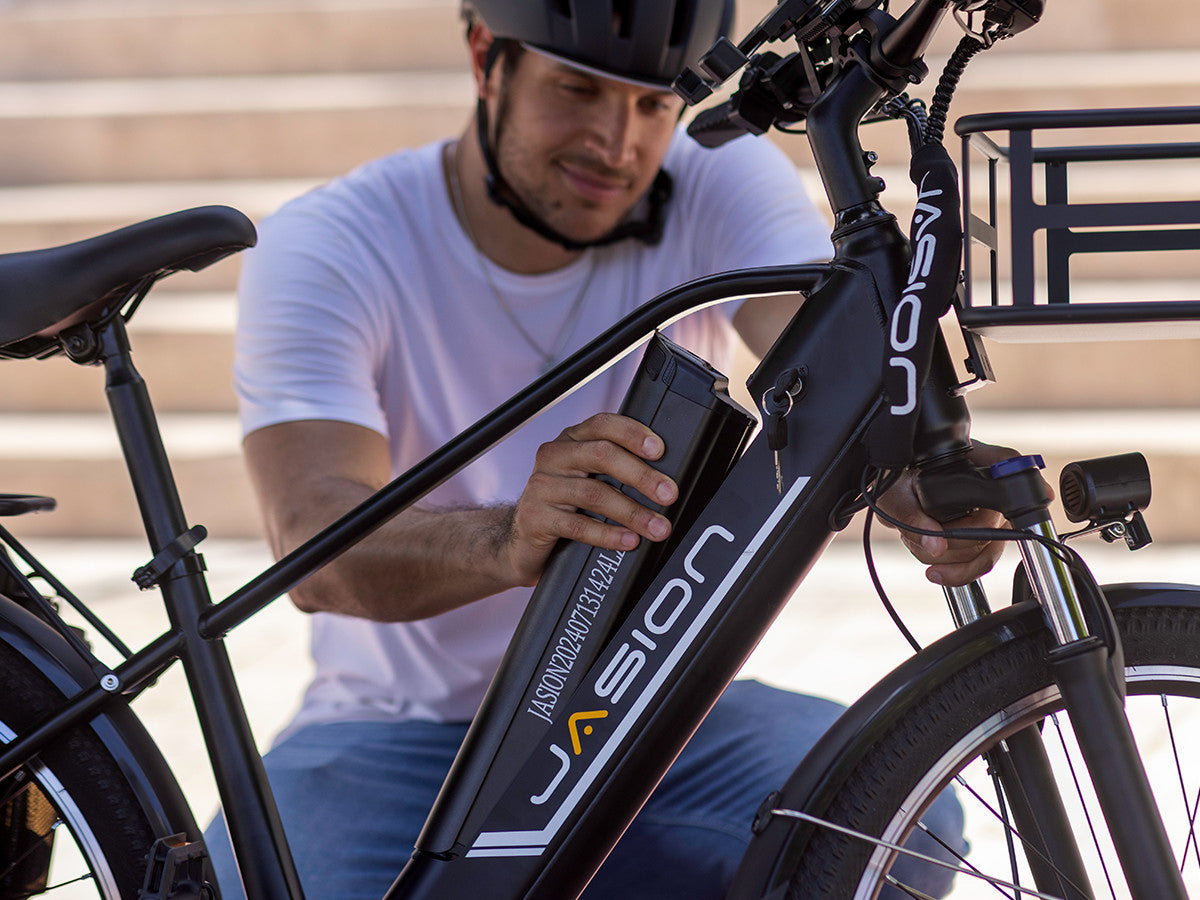
Both batteries are removable, making indoor charging easier when the bike is stored away from an outlet. Use the supplied charger and follow the current manual. Our electric bike battery guide explains the factors behind range and routine battery care.
Carrying a Child on Kago
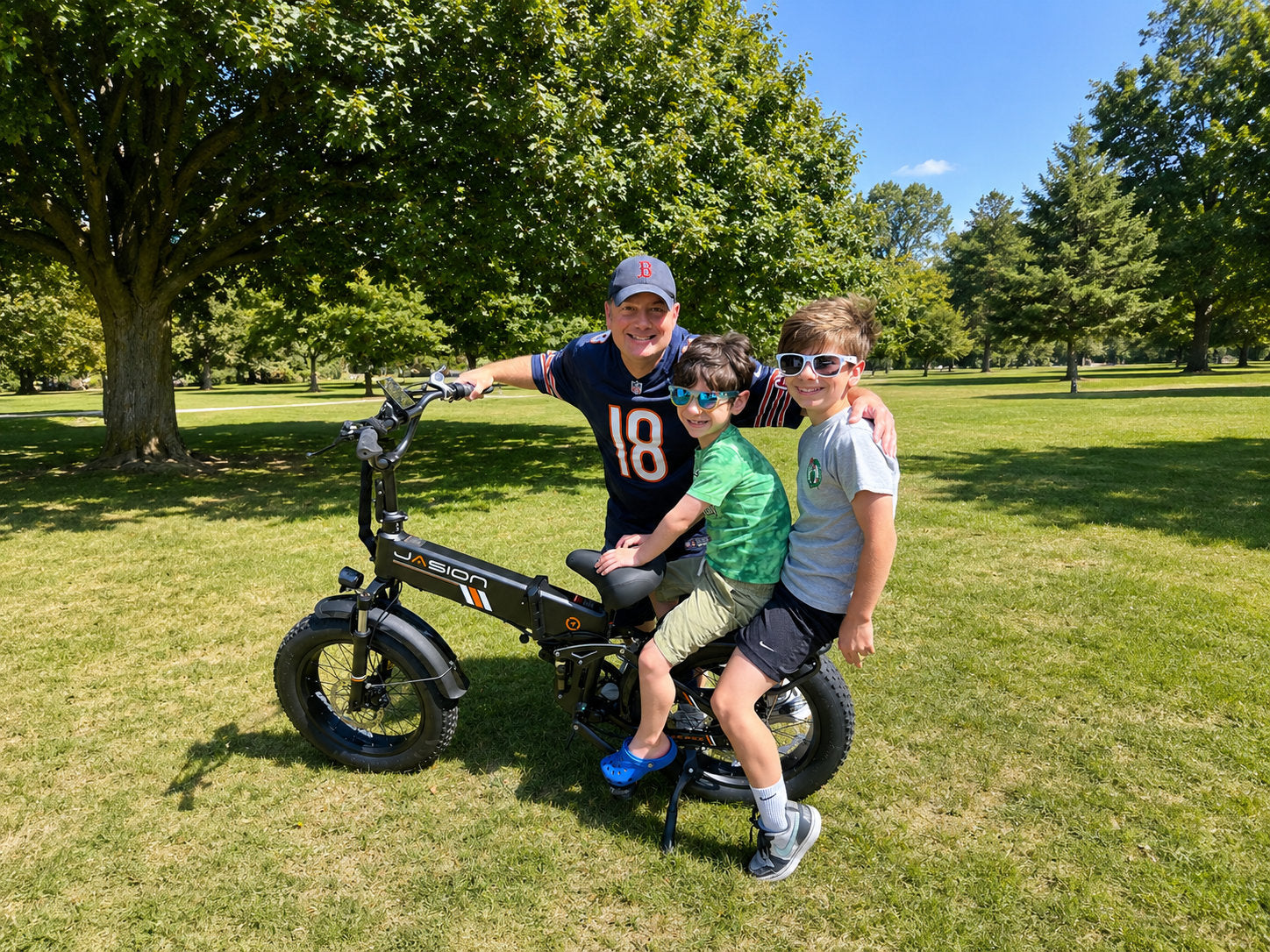
Kago can carry a child on the rear passenger area when it is set up for passenger use. The child should wear a properly fitted bicycle helmet and remain seated throughout the ride. Make sure hands, feet, shoelaces and loose clothing cannot reach the rear wheel, brakes or drivetrain.
Count the rider, child, accessories and other cargo within the bike's overall carrying capacity. Begin with a short practice ride in a quiet area, using gentle acceleration, smooth turns and earlier braking. The adult rider should hold the bike steady while the child gets on or off, and follow local passenger and helmet rules.

Build a Setup You Will Actually Use
Start with the trip you make every week and give its usual items a fixed place. Once that arrangement feels natural, add another basket or bag only when it makes packing easier. The result is a Kago setup that is ready for ordinary errands instead of one that needs rebuilding before every ride.
For an overview of the bike itself, read Meet the Jasion Kago Cargo Ebike. You can also browse the Jasion cargo ebike collection for current Kago configurations and availability.
Frequently Asked Questions
How much weight can the Jasion Kago carry?
Kago can support up to 350 lb across the rider, installed accessories and cargo, providing useful capacity for groceries, work equipment and day-trip gear.
Where should heavy cargo go on an ebike?
Place dense items low, close to the bike and as evenly as practical from left to right. Use the front basket for lighter items so steering remains easy to manage.
How should I secure groceries on Kago?
Use a compatible basket or structured bag, place heavy goods at the bottom and secure the container to the carrier. Keep every strap and hook away from the wheels, brakes and chain, and make sure the rear lights remain visible.
Should I ride differently when Kago is loaded?
Yes. Start with modest assistance, accelerate progressively, leave more stopping distance and enter turns at a controlled speed. Test a new load in a quiet area before riding in traffic.
Can the Jasion Kago carry a child?
Yes. Kago can carry a child on the rear passenger area when it is set up for passenger use. The child should wear a properly fitted bicycle helmet and stay seated, with hands, feet and loose clothing kept away from the wheel, brakes and drivetrain.


Share: